Garage Hive + AI receptionists: a practical guide to how the link works
What actually happens during calls, the fields pushed into Garage Hive, common setup mistakes, and the vendor questions to ask before you switch it on.
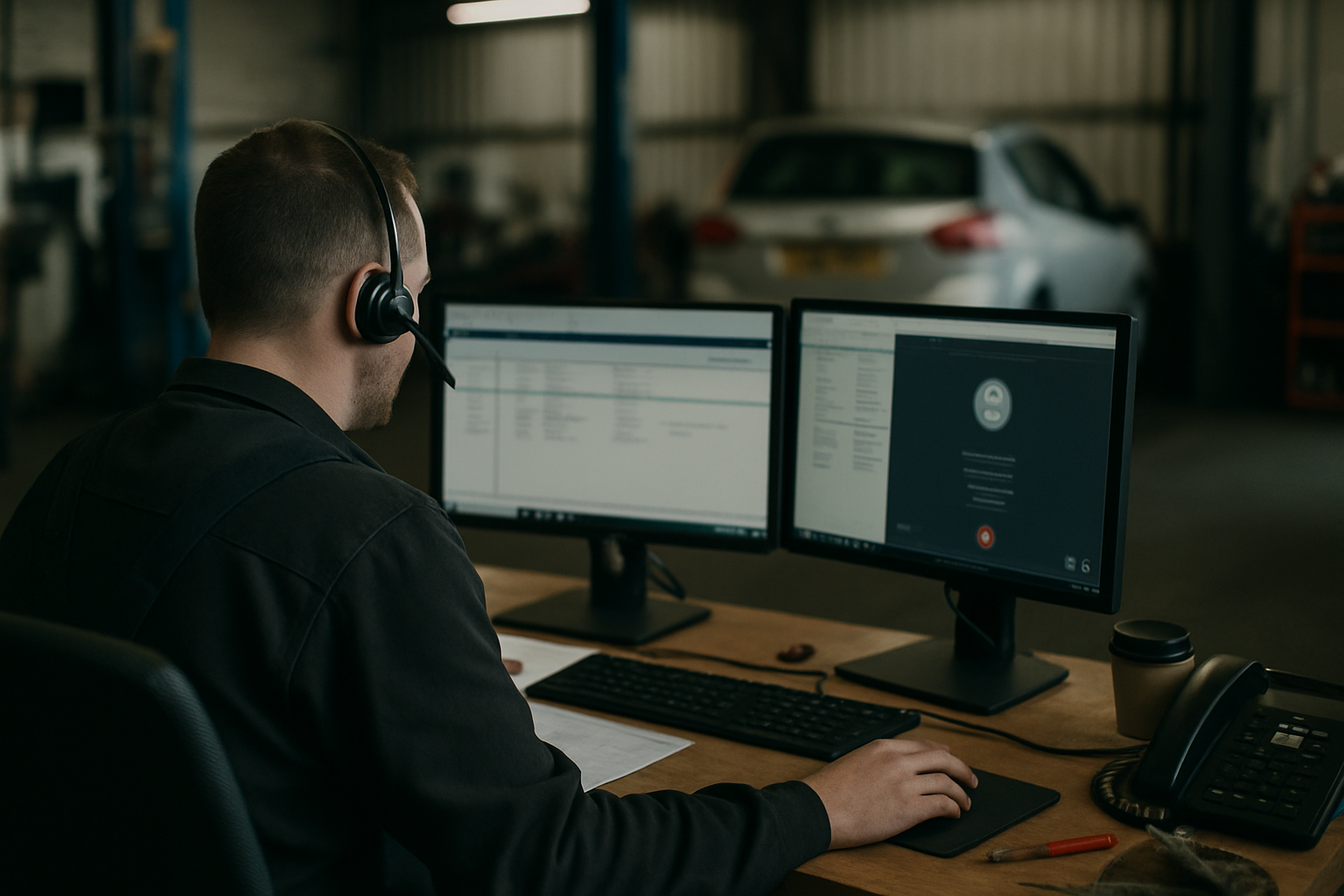
If calls are going unanswered or the front desk is constantly half‑distracted, an AI receptionist can steady the flow. The crucial bit is the hand‑off into your garage management system. This guide explains, in plain English, how a proper integration with Garage Hive should behave during a call, what data it writes, where setups go wrong, and the due‑diligence questions worth asking any vendor.
What actually happens during a call
A good AI receptionist doesn’t “take a message”. It runs a booking workflow in real time and commits it to Garage Hive. The typical flow looks like this:
- Identify the caller: It captures the phone number from the telephony provider. If the caller is known in Garage Hive (matched on number or email), the AI should confirm details rather than re‑key everything. If not known, it creates a new customer record.
- Vehicle capture: It asks for the VRM and looks up make/model. If the lookup fails or the caller doesn’t know it, it should fall back to manual entry and flag the record for later tidy‑up.
- Reason for call: It classifies the intent (MOT booking, interim/full service, diagnostics, tyres, air con, warranty work, general enquiry). For bookings, it selects the correct booking type in Garage Hive.
- Availability check: It checks your Garage Hive diary for the right bay/resource capacity and duration for the requested job type. This must be real‑time. The AI proposes concrete slots (e.g. “Wednesday 10:30 or Thursday 14:00”) and confirms one.
- Reservation and creation: Once agreed, it creates a booking/job in Garage Hive, links it to the customer and vehicle, and applies the correct duration, resource and booking type. If you operate with provisional slots, it should mark accordingly.
- Confirmation: It sends a confirmation SMS or email with the booking details and any prep notes (e.g. “bring locking wheel nut”). It should also add the same notes to the job in Garage Hive.
- Edge cases: If the diary is full, it offers the next availability or waitlist. For emergencies (no drive, warning lights, recovery), it records the situation, escalates per your rules, and still creates a holding record instead of dropping the caller.
During the call, the AI should avoid free‑text waffle. Every question should map to a field or a clear note on the booking. The goal is to leave the counter team with a clean job ready to progress, not a transcript to decipher.
The data your AI should push into Garage Hive
What gets written matters more than fancy voice tech. Expect, at minimum:
- Customer
- Full name
- Mobile and/or landline (normalised format)
- Email (validated if given)
- Postcode and address (postcode first; full address can wait if needed)
- Contact preference and GDPR marketing consent (separate from transactional communications)
- Notes such as “hard of hearing” or “prefers morning drop‑offs”
- Vehicle
- VRM
- Make/model/derivative (from lookup if available)
- Fuel type/EV, transmission (if surfaced)
- Mileage (if you capture it at booking)
- VIN only if provided; don’t guess
- Booking/Job
- Booking type (MOT, service level, diagnostics, tyres, air con, etc.)
- Concern/complaint in the customer’s words (short, plain note)
- Duration and bay/resource (aligned to your Garage Hive setup)
- Preferred date/time (confirmed slot)
- Drop‑off/while‑you‑wait/collection‑delivery flags and times
- Loan car required (and provisional allocation if you manage courtesy cars in the diary)
- Price indicator or “estimate to follow” flag (avoid quoting unless you’ve provided a price matrix)
- Source tag (e.g. “AI receptionist” or specific tracking number)
- Attachments if captured post‑call (photos via link; do not attempt during the call)
- Audit
- Call recording link and transcript reference
- Agent identifier (so staff know it came via AI)
- Created/updated timestamps and any retry logs
Two practical notes:
- Deduplication: Phone and email should be matched against existing records to avoid creating “John S.” three times. Good integrations normalise numbers (+44) and trim spaces before matching.
- Mandatory fields: Keep mandatory fields in Garage Hive to a sensible minimum or the AI will hit validation errors. Postcode + name + phone + VRM is usually enough to create a usable job; full address can follow at check‑in.
Common setup mistakes (and how to avoid them)
Preventable misconfigurations cause most early frustrations:
- Services not mapped to booking types: If “Full Service” on your website maps to “Interim” in Garage Hive, the AI will book the wrong duration. Build a simple map of caller phrases to your exact booking types and target durations.
- No resource rules: If tyre work needs a specific bay or fitter, encode that rule. Otherwise the AI will fill general slots and the workshop will reshuffle every morning.
- Unrealistic durations: Old defaults (e.g. 30 minutes for diagnostics) will break availability checks. Review durations before go‑live and revisit after 2–3 weeks with real data.
- Courtesy car mismanagement: If courtesy cars aren’t managed in the diary, the AI can’t promise one safely. Either switch on proper allocation or have the AI capture a request and mark “to confirm”.
- Opening hours and blackout dates: Bank holidays, training days and MOT tester leave need to be in the calendar. The AI will happily book into a closed day if the diary says it’s open.
- Duplicate customers: Inconsistent phone formats create near‑matches. Ask the vendor to normalise to +44 and match on multiple keys (phone, email, VRM + surname).
- Over‑collecting data: For speed and conversion, don’t force the AI to take full postal addresses, VINs, and long symptom stories on first contact. Capture what’s needed to secure the slot; tidy at check‑in.
- Quotes vs bookings: If you want “estimate only” flows, give the AI a path that creates an enquiry/estimate record rather than a firm booking, and make sure staff see and action those daily.
- Payments on booking: If you take deposits, confirm the vendor’s PCI approach. Many garages avoid taking card over the phone for bookings; if you do, use a proper pay‑by‑link after the call.
A short pilot with a sandbox or test location pays off. Place 20–30 varied test calls (service, MOT, tyres, EV, warranty, no‑VRM, full diary) and review the records created in Garage Hive before you go live to the public.
Questions to ask any AI receptionist vendor about Garage Hive
Cut through demos with specifics:
- Availability: Is the diary check real‑time? How are holds handled while the caller decides? What if two callers pick the same slot?
- Mapping: How are caller intents mapped to Garage Hive booking types and durations? Who maintains that map when your services change?
- Deduping: How do you match existing customers and vehicles? Do you normalise phone numbers and validate emails? How are duplicates merged if created?
- Error handling: What happens if the Garage Hive API is slow or down? Do you queue and retry? Do you still take the booking and alert staff?
- Audit & security: Where are recordings and transcripts stored? For how long? Can sensitive data (card numbers, VINs) be redacted from transcripts?
- Data fields: Which fields do you write to in Garage Hive for customer, vehicle and job? Can we see a field‑by‑field spec?
- Configuration: Can we set business rules (loan cars, while‑you‑wait limits, EV bay, minimum lead times)? How are holidays and training days respected?
- Multi‑site: How do you route calls and bookings across locations? Can the AI see per‑site diaries and offer the nearest availability?
- Notifications: What confirmations go to the customer? Can we brand SMS/email? Can staff get a Slack/Teams alert for high‑priority cases?
- Sandbox & go‑live: Is there a safe test environment linked to Garage Hive? Can we review every created record during pilot? How is rollback handled?
- Support & reporting: What are support hours? Is there an audit dashboard showing calls, conversion to booking, and any failures?
- Pricing & numbers: How is usage billed (per minute, per booking)? Who owns the phone numbers? What’s the exit path if you leave?
The goal is simple: every call answered, every legitimate booking in the diary, and a clean record your team can trust. If you want to see how this looks with an AI receptionist built for UK garages and Garage Hive, have a look at /case-studies or start at /get-started.
Découvrez ReceptionMate gérer vos appels
Réceptionniste IA conçue pour les garages — réservations directement dans votre agenda, 24h/24 et 7j/7, sans engagement.
Commencer