Running Tyresoft with an AI receptionist: stock calls, quotes and hand‑offs
How to handle tyre stock enquiries, quote the right fitments and book jobs in Tyresoft with an AI receptionist, plus clear rules for when a human steps in.
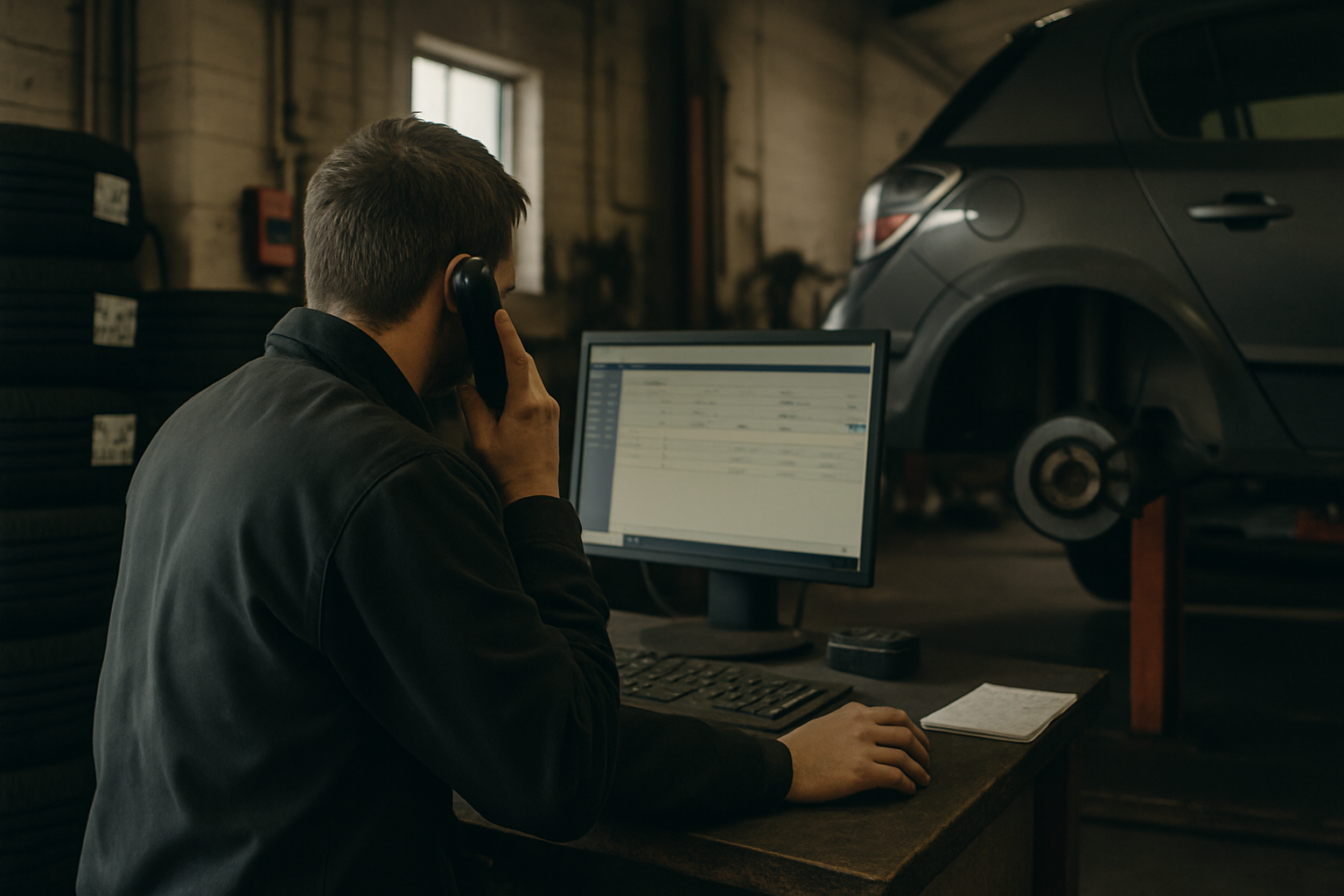
Tyre calls are the most repetitive – and the most time‑sensitive – conversations a garage has. An AI receptionist built for UK garages can now answer those calls, check Tyresoft for stock and prices, quote properly, and book the job into your diary. The trick is setting clear rules so the AI handles the routine bits fast and hands off the edge cases without making promises you can’t keep.
What the AI can do in Tyresoft today
With a live connection to Tyresoft, an AI receptionist like ReceptionMate can:
- Answer every call and triage: puncture repair, new tyres, supply‑only, fleet, mobile fitting, price match.
- Capture the VRM or tyre size (e.g. “205/55 R16 91V”) and postcode for branch routing.
- Use VRM lookup and Tyresoft’s fitment data to propose the likely size, then confirm with the caller.
- Check branch stock and linked supplier availability for that size and load/speed index.
- Pull your price matrix/brand tiers from Tyresoft and build quotes that include fitting, valve, balance and casing disposal as separate line items.
- Offer one to three options (e.g. budget, mid, premium) based on your rules and current stock.
- Check diary capacity and book the slot, sized to the number of tyres, with buffers you define.
- Create the customer/estimate or job in Tyresoft, attach the quote, and add call notes.
- Send confirmation by SMS/email with the quote breakdown and booking details.
- Escalate to a human via warm transfer or call‑back task when the rules say so.
It’s quick and consistent, but only as good as the data and rules you give it.
Managing stock enquiries without wasting fitter time
Most tyre calls start with “have you got…?”. Here’s how to structure that flow so the AI answers confidently and doesn’t overpromise.
-
Stock scope: Point the AI at branch stock first. If none, allow it to check approved suppliers via your Tyresoft feeds. If supplier feeds aren’t real‑time or some brands aren’t on feed, cap the AI at branch stock only for those lines.
-
Delivery cut‑offs: Teach the AI your supplier order cut‑offs and delivery windows by day. Example: “Orders before 10:30 arrive by 14:00; after 10:30, next business day.” The AI can then only offer fit slots after the earliest reliable delivery.
-
Substitutions: Do not let the AI substitute sizes. It can offer alternates only within exact size, load and speed. No 94V for 91V unless you’ve explicitly allowed higher load/speed indices. No 205/55 for 215/55. If there’s any doubt (run‑flat vs standard, EV‑rated), escalate.
-
Supply‑only: If you allow supply‑only, the AI can quote and take the order, but make it a separate product code with no fit time booked. Add a collection note and time window.
-
Out‑of‑stock: If neither branch nor supplier has stock, the AI can:
- Offer to back‑order with an ETA if Tyresoft shows a due date; or
- Create a call‑back task for a human if the ETA is unclear.
-
Price match: Log the competitor price and details, then route to a human. Don’t let the AI override price rules.
This keeps the phones clear while protecting workshop time and margin.
Quoting fitments properly: questions, pricing and proof
Tyre quotes go wrong when the wrong variant is priced or the extras are forgotten. Build a short decision tree the AI must follow every time:
-
Confirm the fitment:
- VRM lookup → read back the size, load and speed. “That shows 225/45 R17 94Y XL. Does that match what’s on the tyre sidewall?”
- If the caller gives a size, ask for load/speed index and whether it’s run‑flat.
-
Use brand tiers you control:
- Map your budget/mid/premium bands in Tyresoft to specific product codes.
- Let the AI quote 2–3 options, not 7. Too many choices slows decisions.
-
Price in full, transparently:
- Base tyre price per unit.
- Fitting, valve, balance, casing disposal, and any TPMS service kit per wheel.
- Optional wheel alignment check as a separate add‑on if you offer it.
-
Edge flags that trigger hand‑off:
- Staggered fitments (different front/rear sizes).
- Run‑flat on non‑run‑flat chassis or vice versa.
- EV‑specific tyres where rolling resistance/noise ratings matter to the owner.
- Unusual speed/load combinations or XL queries.
-
Put it in writing:
- The AI sends an itemised quote with tyre brand/model, size, load/speed, quantity, and all extras.
- Include a simple note: “Prices include fitting, valve, balance and casing disposal. TPMS service kits are priced per valve where required.”
If you take deposits, the AI can send a secure payment link and confirm the booking once paid. If you don’t, it can still book the slot and mark special‑order tyres as non‑cancellable per your policy.
When the AI hands off to a human (on purpose)
Hand‑offs are a feature, not a failure. Define them tightly so your team only gets involved where judgement or discretion is needed.
-
Fitment uncertainty
- Any mismatch between VRM and caller‑stated size.
- Run‑flat vs standard unclear; XL/load rating unclear.
- Staggered sets or mixed axles.
-
Commercial discretion
- Price match requests.
- Fleet/lease accounts needing PO numbers or portal bookings.
- Niche brand requests not in your matrix.
-
Operational constraints
- Mobile fitting requests outside your normal radius.
- Same‑day fit if delivery cut‑off has passed.
- More than four tyres or van/LT fitments that need longer bays.
-
Safety/compliance
- Winter/all‑season queries tied to local conditions where advice matters.
- AWD vehicles where mixing brands/tread depths could be an issue.
When handing off, the AI should present a summary: customer details, VRM/size, desired brand, quoted options, stock status checked, and the exact blocker. Warm transfer if someone is free; otherwise, create a high‑priority call‑back in Tyresoft with all notes, and send the customer an SMS confirming a call‑back time.
Tyresoft setup that makes the AI look smart
The biggest wins come from a tidy system and clear rules. A short checklist:
-
Price and product
- Clean brand tiers and map them to actual SKUs.
- Keep cost/price rules current; set minimum margin floors.
- Create separate codes for fitting, valve, balance, casing disposal and TPMS kits.
-
Stock and suppliers
- Ensure branch stock locations are accurate and updated.
- Connect live supplier feeds where available; flag any that are batch‑updated so the AI treats them as guidance only.
- Enter delivery cut‑offs and typical ETAs by supplier/day.
-
Diary and capacity
- Define slot lengths per tyre (e.g. 1 tyre = 20 min, 2 = 35, 4 = 70) and set per‑bay capacity.
- Block times for lunch/collections so the AI doesn’t overbook.
-
Policies and scripts
- Escalation rules (the hand‑off list above).
- Deposit or prepay rules for special orders.
- SMS/email templates for quotes, confirmations and “we’ll call you back”.
-
Data hygiene
- Enable VRM lookup and verify it returns load/speed indices.
- Standardise customer data capture: name, mobile, email, VRM, postcode.
-
Review and improve
- Weekly: spot‑check 10 AI quotes vs final invoices.
- Track quote‑to‑book rate, hand‑off rate, and cancellations due to stock.
- Update rules when you see repeat edge cases.
Done right, the AI handles the routine tyre calls consistently, Tyresoft stays clean, and your team focuses on the handful of jobs where expertise and discretion protect margin and reputation.
Want to see how this looks in the real world? Read recent results from UK garages in our case studies at /case-studies or start a guided pilot at /get-started.
Découvrez ReceptionMate gérer vos appels
Réceptionniste IA conçue pour les garages — réservations directement dans votre agenda, 24h/24 et 7j/7, sans engagement.
Commencer